
Instagram/YouTube Links Not Opening App? How to Set Up Deep Links to Boost Conversion
Don't let the 'In-App Browser' kill your conversion rate! Understand the principle of Deep Linking, allowing users to wake up the App directly upon clicking, providing a smooth user experience.
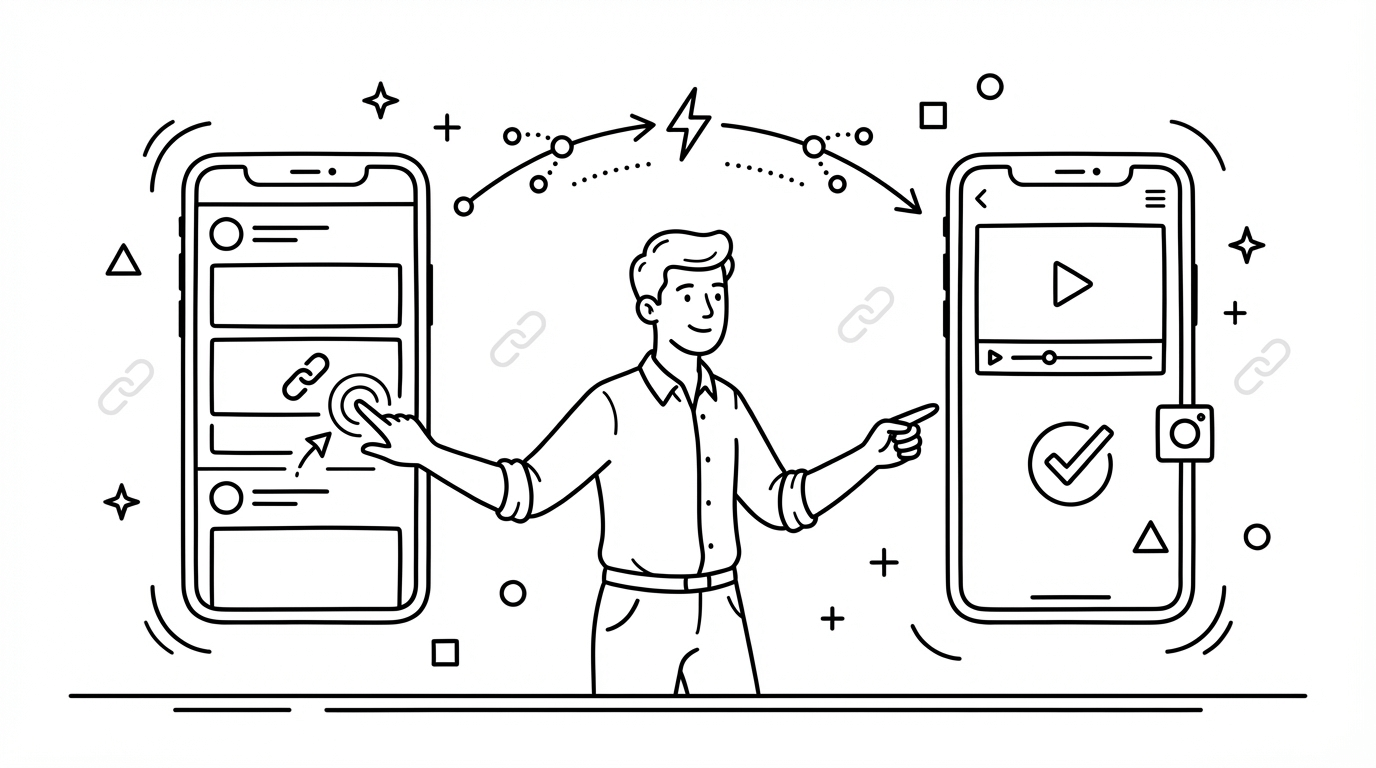
Have you ever encountered this situation?
You see an interesting YouTube video link in an Instagram Story, but after clicking, it opens in IG's internal browser. You are not logged in, can't like, can't subscribe, and sometimes the video doesn't even load.
This is the so-called "In-App Browser Trap".
For marketers, this is a huge conversion rate killer. Users often choose to leave directly because of the poor experience and laziness to log in again.
This article will teach you how to use Deep Link technology to solve this pain point.
What is a Deep Link?
Deep Link is a special linking technology that allows the mobile operating system to recognize and directly wake up the installed App, or even jump directly to a specific page within the App (such as a product page or video playback page).
Process WITHOUT Deep Link:
Click Link ➡️ Open In-App Browser ➡️ Show Web Version (Not Logged In) ➡️ User Drop-off ❌
Process WITH Deep Link:
Click Link ➡️ Detect App Installation ➡️ Directly Open App ➡️ Show Content (Logged In) ➡️ Interact/Purchase ✅
Why Do You Need Deep Links?
- Improve User Experience (UX): Users can operate directly in the familiar App interface without logging in again.
- Increase Conversion Rate (CVR): Statistics show that e-commerce links using Deep Links can increase conversion rates by 2-3 times.
- Increase Fan Interaction: Allow users to directly like, follow, and subscribe.
How to Set Up Deep Links?
Setting up Deep Links usually requires App developers to implement it in the code (such as Universal Links for iOS or App Links for Android). But for general marketers, you can use a short URL service that supports Deep Links.
Use TrackHelps to Implement Deep Links
TrackHelps provides an intelligent Deep Link solution:
- Automatic Device Detection: The system determines whether the user is on iOS or Android.
- App Wake-up Mechanism:
- If the user has installed the App: Open the App directly.
- If the user has not installed the App: Guide to App Store / Google Play to download, or jump to the mobile web version.
- Support Mainstream Platforms: Supports wake-up for mainstream Apps like YouTube, Instagram, Facebook, TikTok, Shopee, etc.
Setup Steps:
- Paste your original link (e.g., YouTube video link) in the TrackHelps backend.
- Turn on the "Deep Link" option.
- Generate the short URL.
It's that simple! Now, you can put this short URL in your IG Bio or Story and let fans enjoy a seamless browsing experience.
FAQ
Q: Does Deep Link help with SEO?
A: Indirectly, yes. Although Deep Link mainly affects App experience, better user interaction signals (dwell time, interaction rate) are viewed by search engines as indicators of high-quality content. Additionally, Google has App Indexing technology that can index content within Apps.
Q: Do all Apps support Deep Link?
A: Most mainstream Apps support it, but the App itself needs to implement the relevant protocols. If the App doesn't support it, TrackHelps will automatically fallback to opening the web version, ensuring the link remains usable.
Q: Why does a "Open in App?" prompt sometimes still appear?
A: This is a security mechanism of the iOS or Android system to prevent malicious Apps from opening automatically without consent. This is normal behavior; usually, after the user confirms once, it will open directly in the future.