
Are Short URLs Safe? How to Spot Phishing Links and Build Branded Short Links
Afraid to click on short links? Worried your brand links look like scams? This article explores URL shortener security and teaches you how to build trust with 'Branded Short Links' to boost CTR and protect brand reputation.
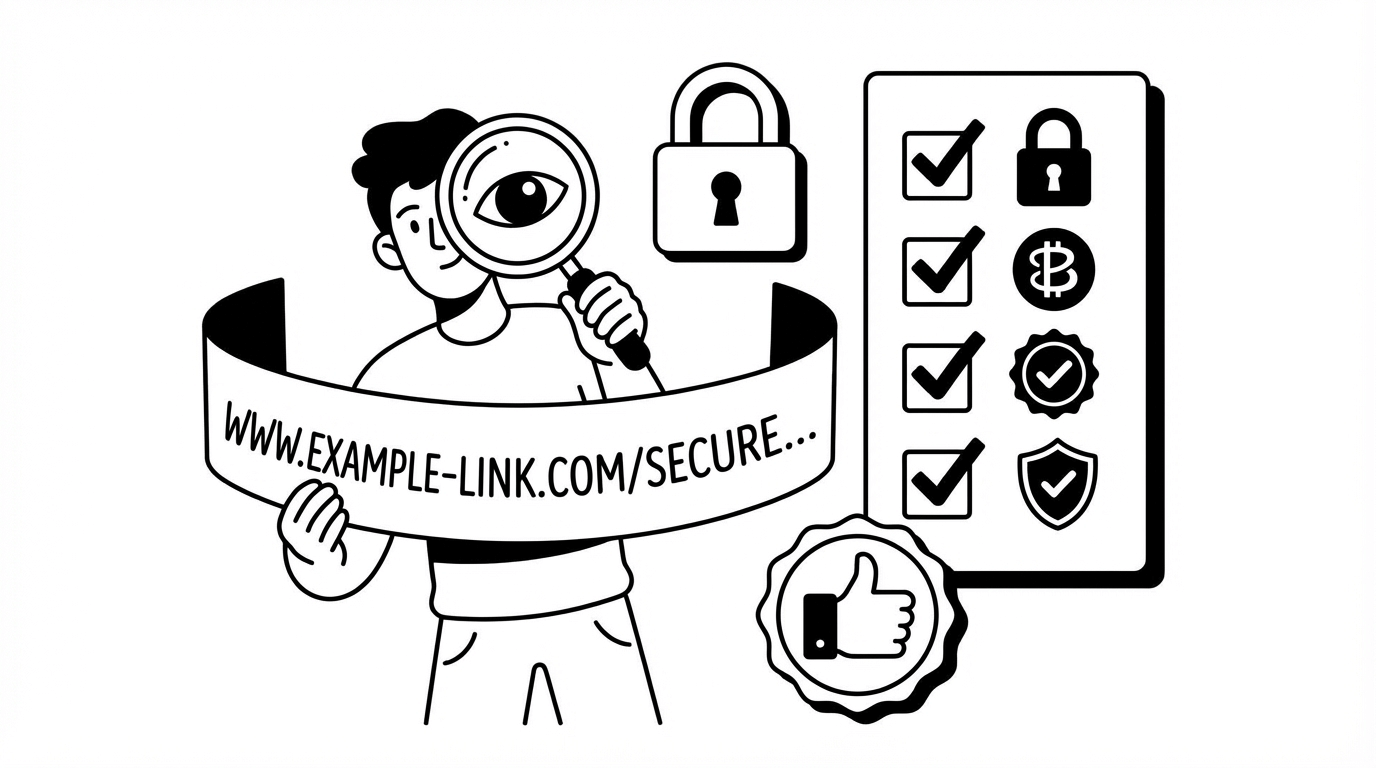
"Congratulations! Click the link to claim: http://bit.ly/xyz..."
What is your first reaction when you receive such a text message? Most people's intuition is: Scam.
Although URL Shorteners are convenient, because they hide the real target URL, they are often used by hackers to mask phishing sites or malware. This has led to increasing public distrust of generic short URLs (like bit.ly, goo.gl).
For brand owners, this is a warning sign: If you are still using free, generic short URL services, your customers might be lost because they are 'afraid to click'.
This article will explore how to solve this trust crisis and build safe brand links.
Generic Short Links vs. Branded Short Links
Generic Short Links
- Domain: Use the service provider's domain (e.g.,
bit.ly,tinyurl.com). - Risk: Anyone can use them, mixing good and bad. Your brand link might share the same domain as a scam link. If that domain is blacklisted by antivirus software, your link suffers too.
Branded Short Links
- Domain: Use your own domain (e.g., Nike uses
swoo.sh, YouTube usesyoutu.be). - Advantages:
- Trust: Users see the domain is your brand name and know it's an official link, greatly increasing peace of mind.
- Click-Through Rate (CTR): Studies show that branded short links have a 34% higher CTR than generic short links.
- Brand Awareness: Every link share is a brand display.
How to Spot Malicious Short Links? (Advice for Users)
If you are a user receiving a link, you can protect yourself in the following ways:
- Use Link Expander Tools: There are many "URL Expander" tools online that help you "see through" to the real destination behind the short URL.
- Check HTTPS: Legitimate short URL services provide HTTPS encryption.
- Observe the Source: If it comes from a strange number or weird Email, never click it.
How to Build Safe Brand Links? (Advice for Brands)
Using TrackHelps, you can easily set up your own brand domain:
- Prepare a Short Domain: Buy a short, memorable domain (e.g., if your brand is
MyBrand, you can buymy.bd). - Set DNS: Point the CNAME of that domain to TrackHelps' server.
- Start Using: Bind the domain in the TrackHelps backend.
After that, all short URLs you generate will be in the form of my.bd/summer-sale.
TrackHelps Security Mechanisms
To further guarantee security, TrackHelps also provides:
- Automated SSL Certificate Management: We automatically apply for and update SSL certificates for your brand domain, ensuring links show the "secure lock".
- Malicious Link Detection: The system scans target URLs and prohibits shortening known phishing or malicious sites, protecting your brand from abuse.
FAQ
Q: Do branded short links affect SEO?
A: They have a positive effect. Branded short links using 301 redirects (permanent redirects) can pass Link Juice to the target page. Also, because CTR increases, it indirectly boosts page ranking signals.
Q: Do I need to know coding to set up a brand domain?
A: No. You just need to add a DNS record in your domain registrar's (like GoDaddy, Namecheap) backend. TrackHelps also has detailed documentation to guide you.
Q: Can I change the brand domain anytime?
A: Yes, but frequent changes are not recommended. Because old links are bound to the old domain, if the old domain expires, previous links will also fail. It's best to hold onto a good domain long-term once selected.